Problem:
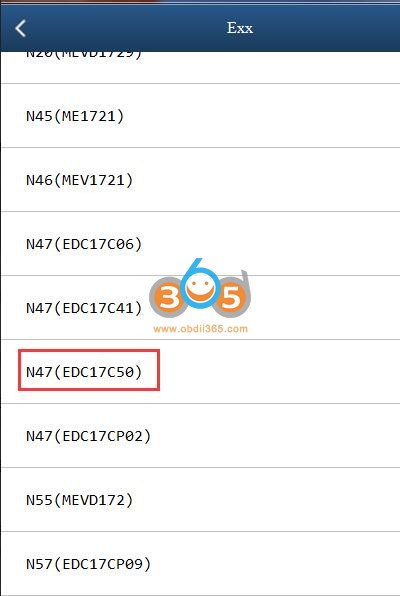
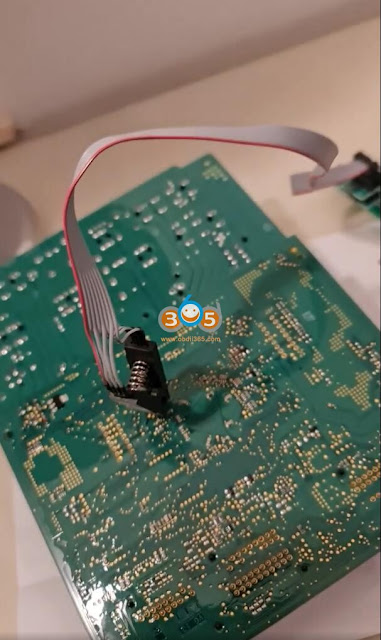
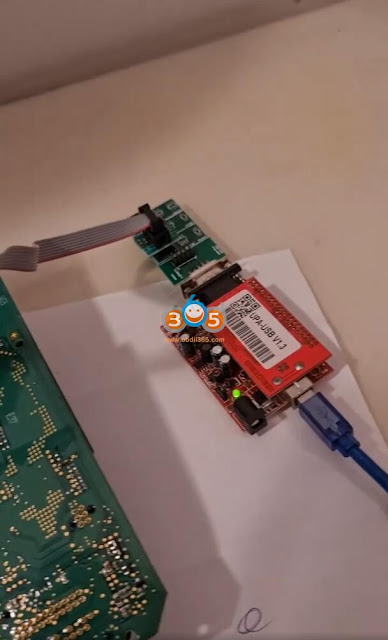
Hi team, may you please assist. Under which ECU type must I read this with Yanhua Mini ACDP. I need to read Isn from this ECU. I've tried a few and getting communications errors. This is ecu Edc17c50.
There are 2 ways to read this ECU
Problem:
Hi team, may you please assist. Under which ECU type must I read this with Yanhua Mini ACDP. I need to read Isn from this ECU. I've tried a few and getting communications errors. This is ecu Edc17c50.
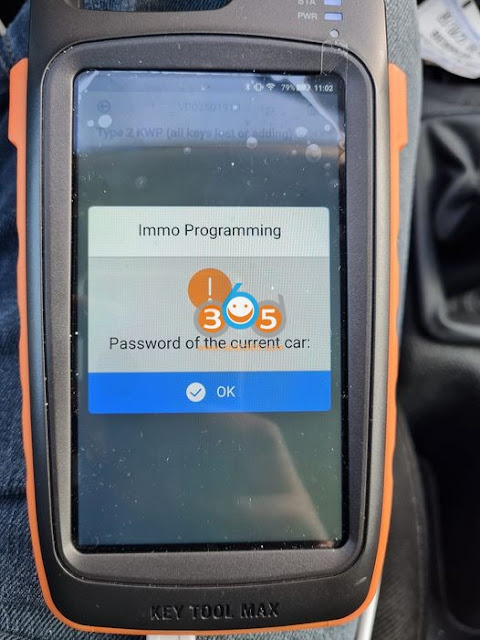
Question: I can’t get the pin code Peugeot 206 2002 with xhorse vvdi mini obd tool. it does this to me.
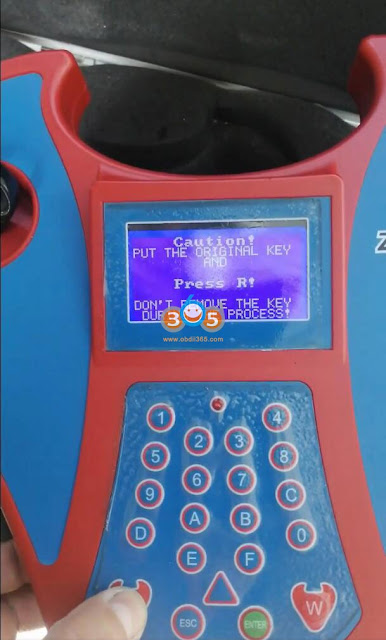
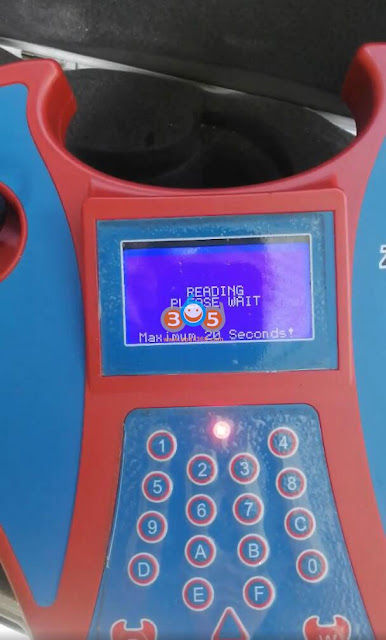
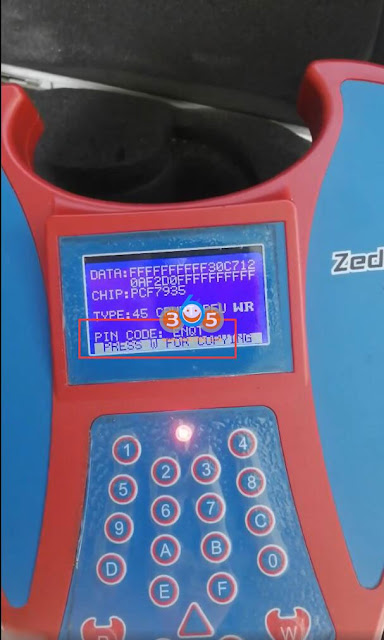
You can use Zedbull, UPA USB to read. Immo Killer decodes pin code as well.
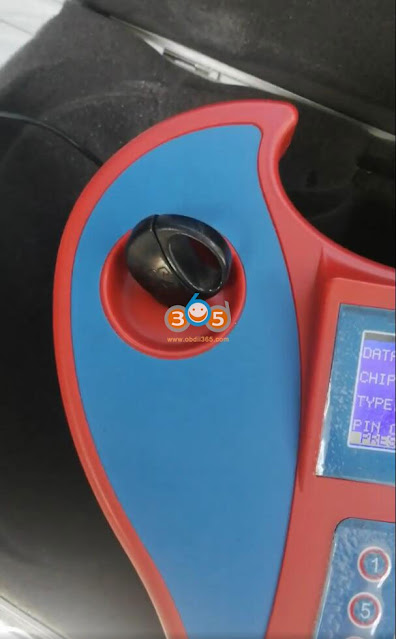
Zed-bull read Peugeot 206 pin code from original key
Upa usb read pin no problem
http://www.key-programmer.org/2021/12/09/which-tool-to-read-psa-bsi-206-207-c3-pin-code/
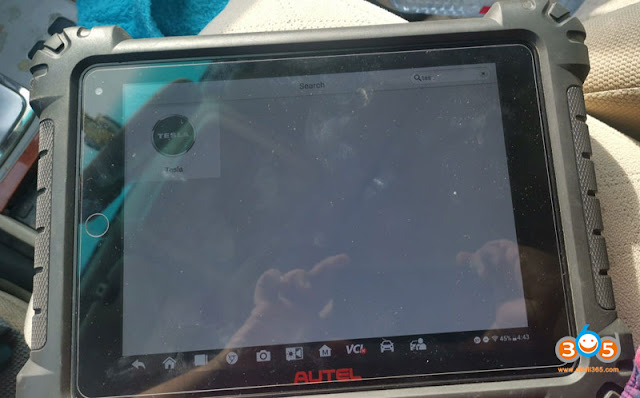
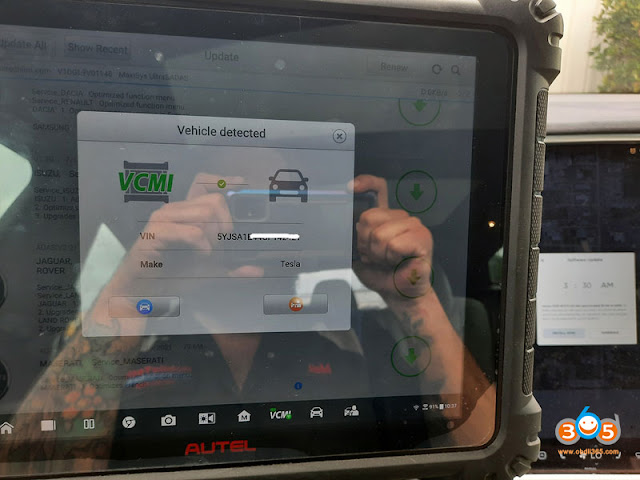
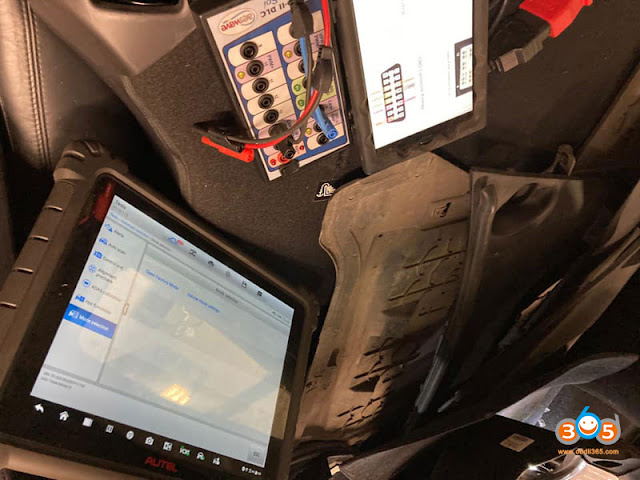
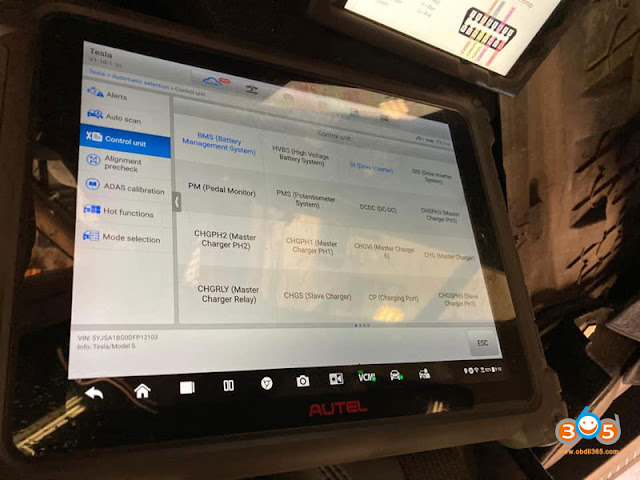
I’ve seen Tesla update in Autel. I am concerned about what kind of scan tool will allow me to troubleshoot problems? Do autel support electric cars like TESLA, if yes which Autel will do? Has anyone connected to a Tesla with Autel yet? Can anyone comment on the availability of a proprietary cable(s) for Tesla? Which models /years does Autel cover?
1).
Autel scanners that can access Tesla: MS908S Pro, MaxiSys Elite, MS909, MS919, Ultra, Eilte II (Note: MS908S cannot do Tesla)
2).
Autel Tesla software and function
Supports basic functions including Read Warning Message, ECU information, Live data, Read codes and erase codes, as well as 41 Hot special functions, including BMS reset alert, BMD clear contactor stress index, EPB service mode, brake bleed and read/write TPMS sensor ID for Model X and Model S (Autel cable kit required)
3).
Autel released a special cable kit for Model X and Model S
4).
You can check Tesla model and function list on Autel official website, for example,
here’s the function list of Model S
5). Autel Ultra test Tesla Model S in action
Tapping into the network with the LineSpi provides us access all the modules but it will not show or check Alerts (Tesla’s name for DTC’s) so i will buy the cable kit and test soon. This is a 2013 Model S.
tesla isn’t gonna have a lot of the issues most cars do, as they’re fully electric, no sensors to go out on an engine at least.
You also have some other options to troubleshoot Tesla.
Option 1
Launch X431 diagnostic tablets (pad v, pad vii, x431 v+) have Tesla ability with an added subscription.
Check:
Launch X431 Tesla function & list
Tesla airbag reset with Launch X431
Option 2
You can buy a subscription to Tesla Toolbox for $333 per month and buy cable from aftermarket
Here in the below link are the cables for Toolbox,
https://teslamotorsclub.com/tmc/threads/diagnostic-port-index.98663/
Option 3:
T-Diag is the best tesla tool.
Use t diag for 3200 euro…for full version. Connect thru obd and fakra cable.
http://blog.obdii365.com/2021/12/07/which-autel-can-do-tesla-and-what-cable-for-it/
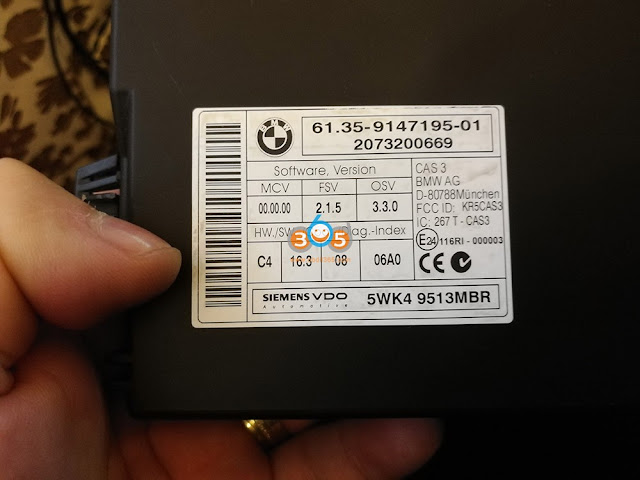
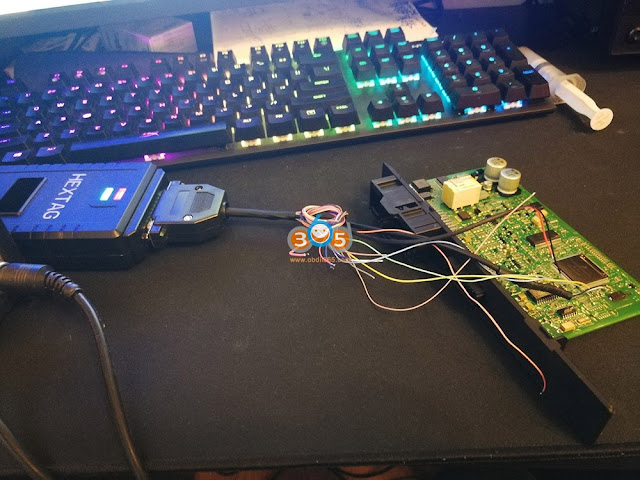
Open cas for full back-up and generate from eeprom.
Personal experience: I have full back-up for Cas2 cas3 cas3++istap cas4 etc with hextag. For me is no problem but I don’t try in obd for lose time.
Insert the ignition key into ignition switch and connect the BMW 2010 vehicle and VVDI Key Tool Plus well.
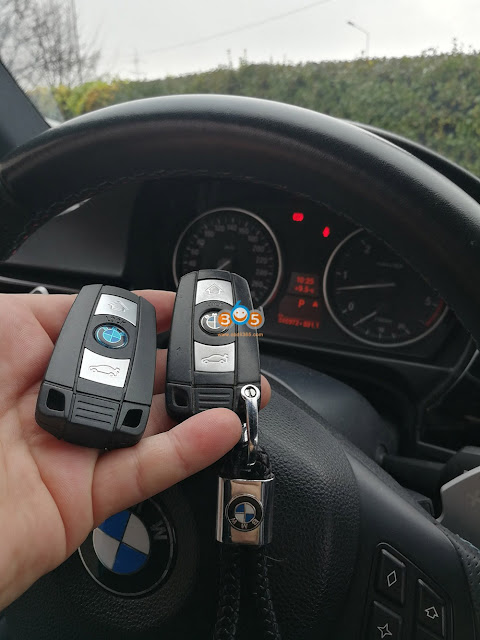
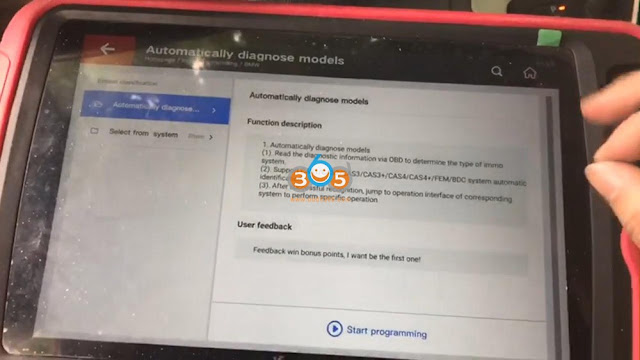
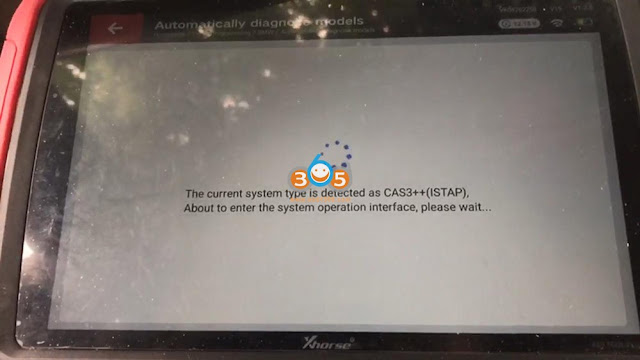
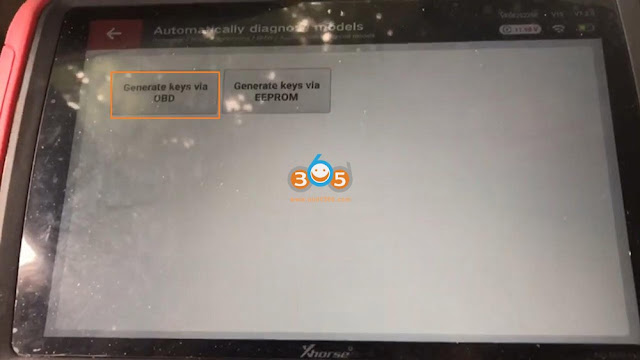
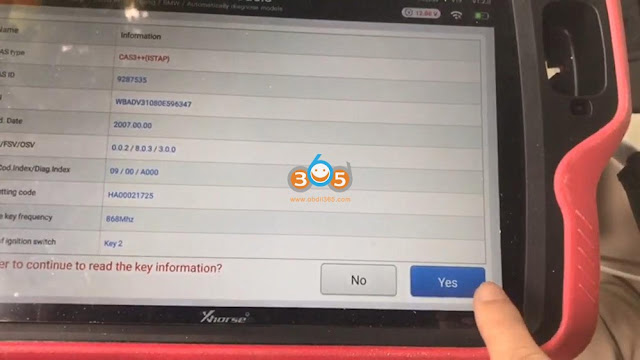
Tap “Immo Programming” -> Europe -> BMW -> Automatically diagnose models -> Start Programming -> it is detected as CAS3++ (ISTAP) -> Generate key via OBD -> Read key information -> “Yes” to add new key -> obtain the key info.
Click on “Yes” to start flash CAS firmware.
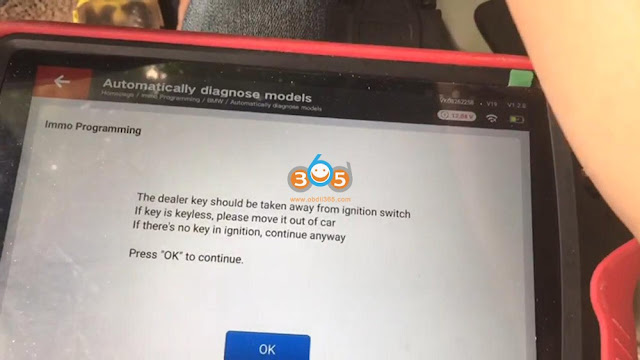
Take away the dealer key from ignition switch and click on “OK”.
It will take several minutes to flash CAS firmware.
Insert key into ignition and switch on, then click on “OK”.
Authenticating success.
Start security login…
Take way the dealer key from ignition switch as the on-screen instruction guide.
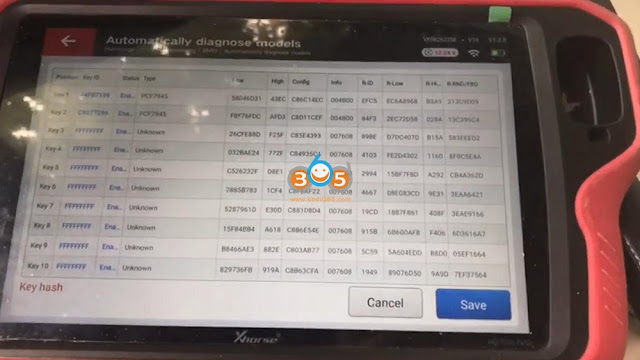
Reading data success and then click on “Save”.
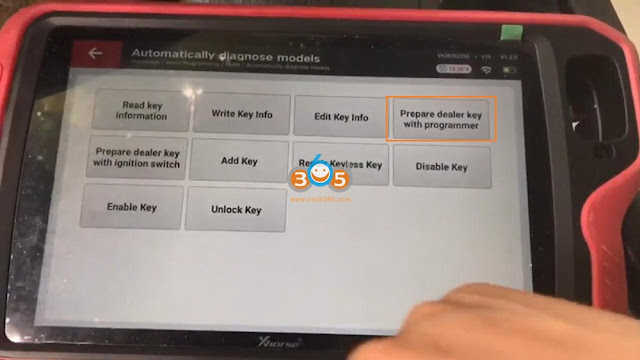
Select “Prepare dealer key with programmer”.
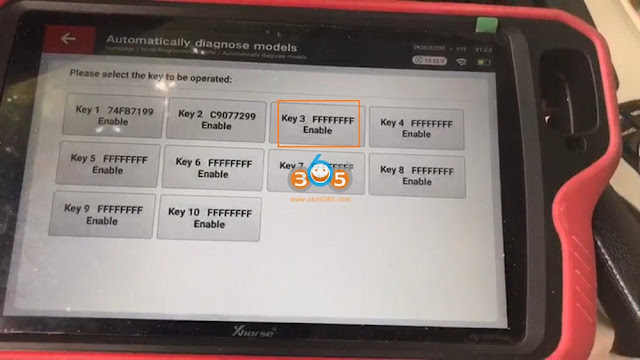
Select “Key 3 FFFFFFFF Enable”.
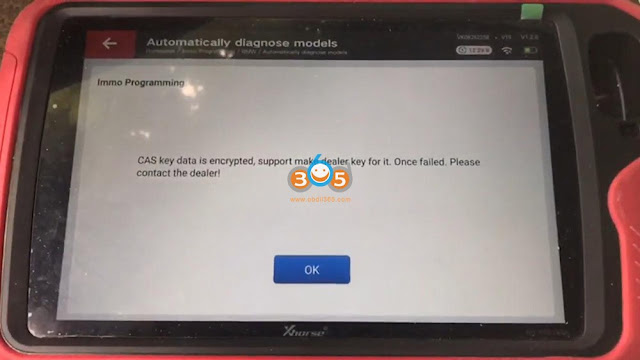
Click “OK” to learn that CAS key data is encrypted, support make dealer key for it.
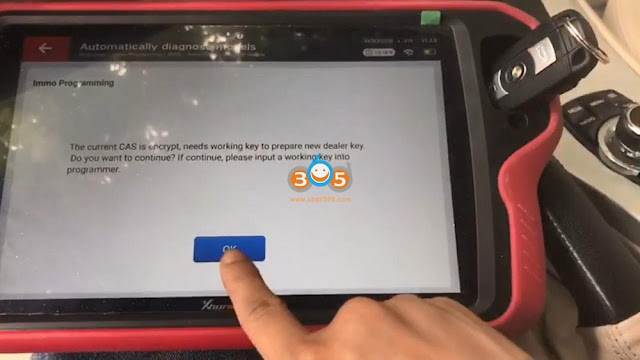
Please input a working key into programmer (key tool plus).
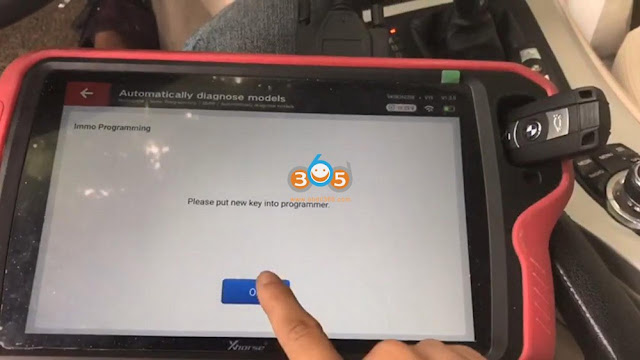
Please put new key into programmer.
Click “NO” because the current key is not smart key.
Make dealer key success, click on “OK”.
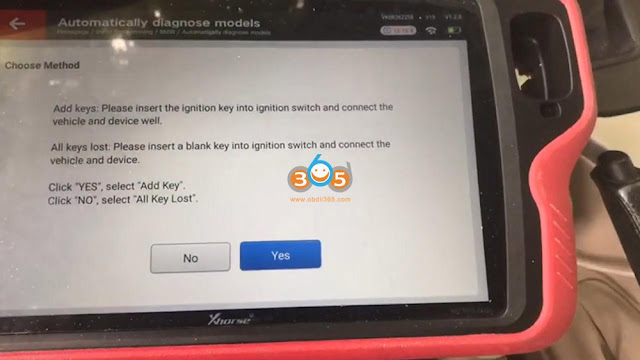
Click on “Add key”.
This function add the newly generated key to the IMMO system, need to be executed “Generate dealer key – Use programmer” function to generate key.
Please put new key into programmer.
Click “NO” because the current key is not smart key.
Start security login…
Take way the dealer key from ignition switch and click on “OK”.
Reading data success.
Adding key.
Start security login…
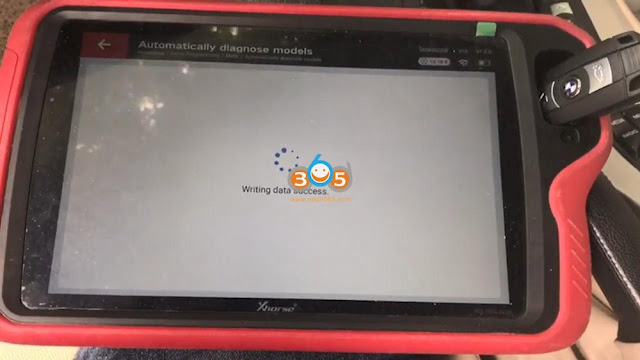
Writing data success…
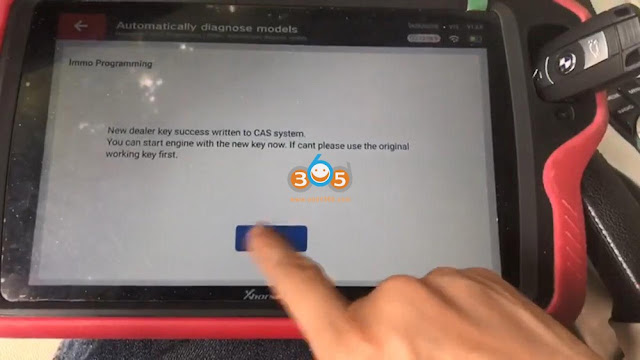
New dealer key success written to CAS system.
You can start engine with the new key now.
Alright, no matter which method on bench or via OBD, Xhorse VVDI Key Tool Plus can do a great job
http://blog.obdii365.com/2021/12/06/vvdi-key-tool-plus-program-key-bmw-cas3-istap/